

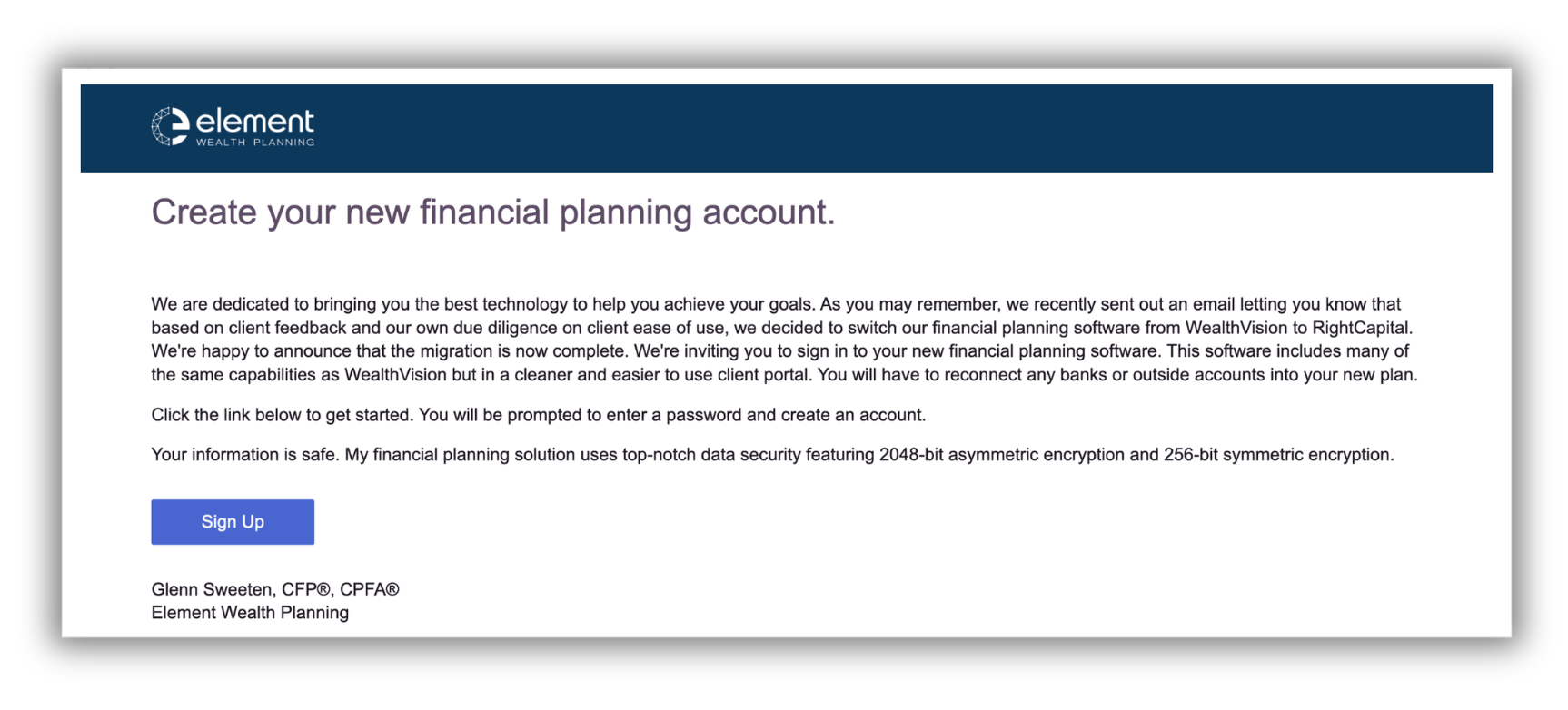
You will recieve an email from Element Wealth Planning to create your new financial planning account with RightCapital.
Click on the Sign Up button within the email to create your account. You will be prompted to create a password.
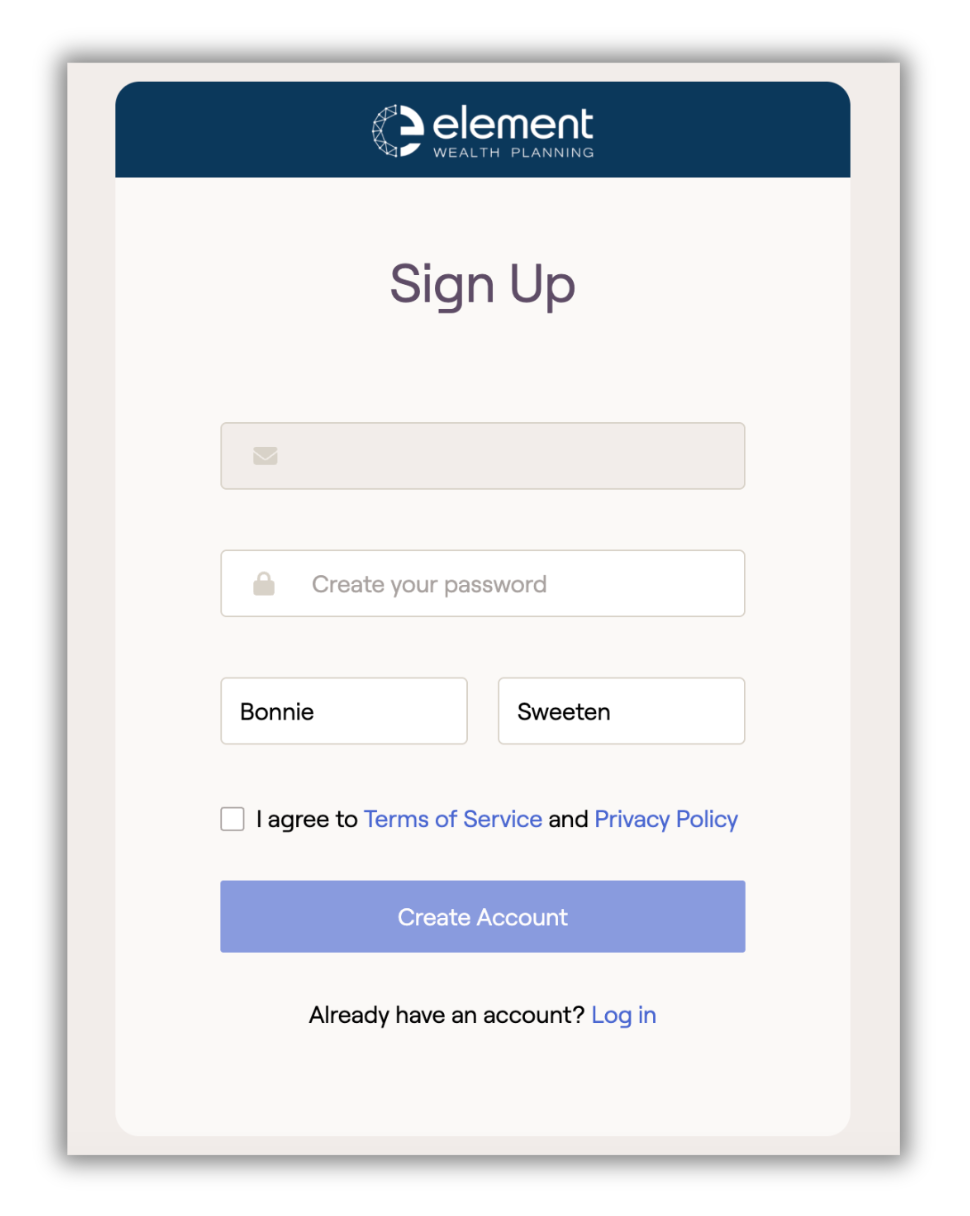
Create your password. Your username will be your email address and pre-filled by RightCapital, along with your first and last name, when setting up your account.
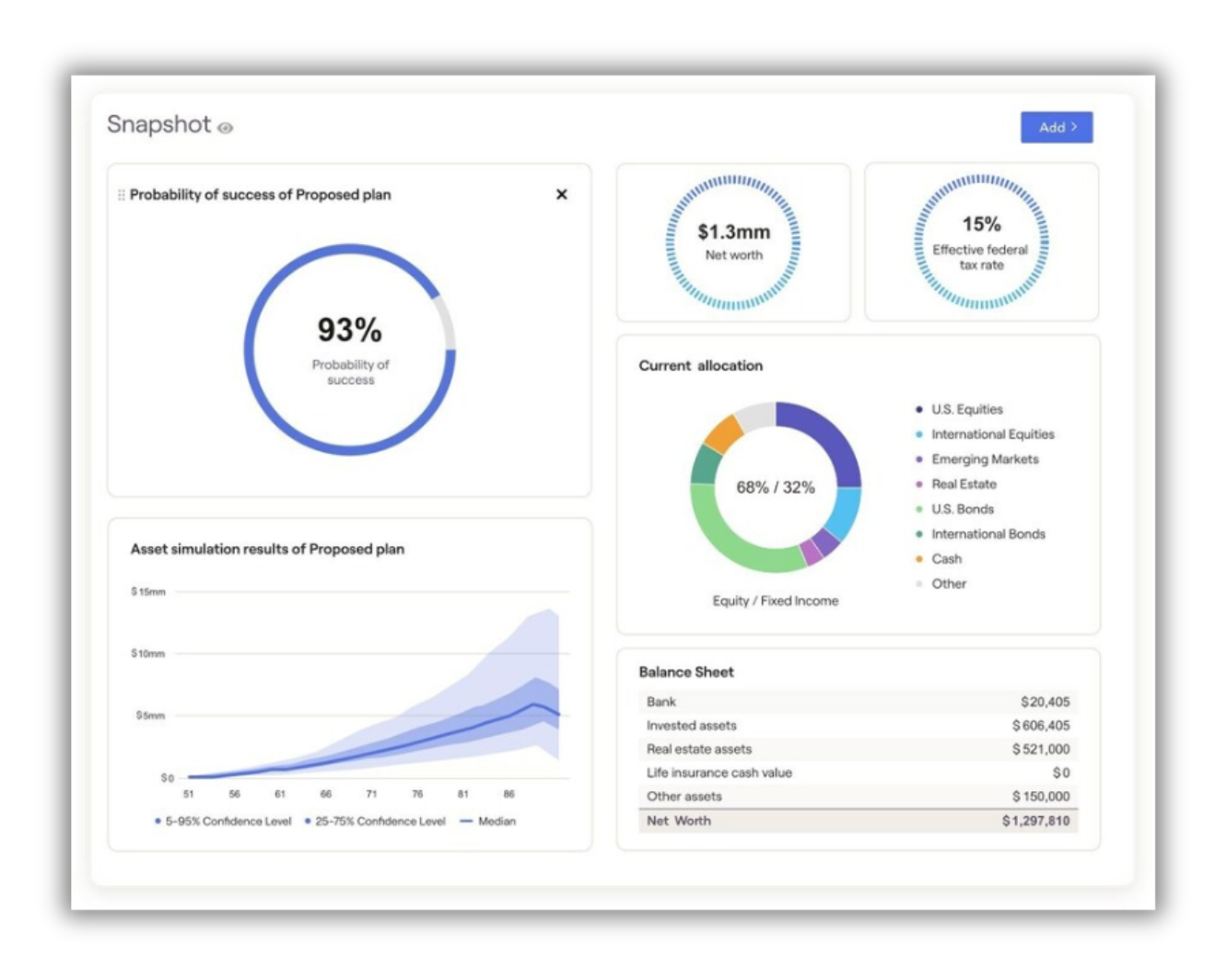
Your account is now created and active. You will be logged into RightCapital's account portal - Snapshot Dashboard. From here, you can click on the tabs to track your net worth, budgeting, spending and also link external accounts to view all in one place.
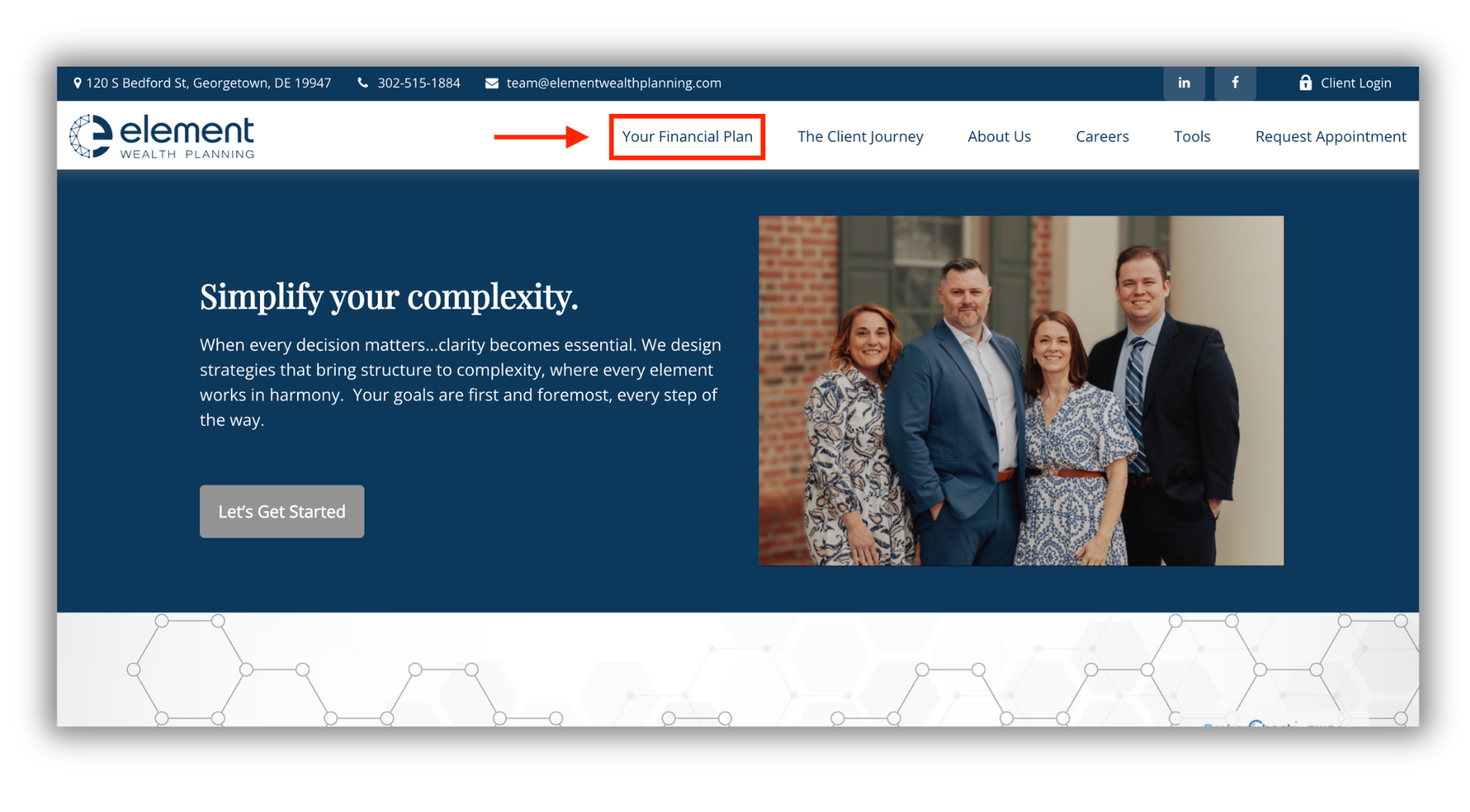
Visit our website at www.elementwealthplanning.com and click on Your Financial Plan on the top navigation bar. This will direct you to the RightCapital log in page to enter your username and password.

Link Your Accounts
All of your accounts, all in one place, up to date. Imagine if you could sign-in to a single secure site and see your actual net worth, all of your assets, liabilities, insurance coverages and more. Easily connect your Checking Accounts, Savings Accounts, Mortgage, Credit Cards, 401k's, Car Loans, Insurance Policies, Personal Loans, Business Accounts, Real Estate, Stock Options, and much more.

Document Vault
A secure location to store your most important documents. Deeds, Wills, Trusts, POAs, Financial Statements, Financial Reports, Taxes, etc.
Share documents with Element Wealth Planning, your CPA, or Attorney.
Unlimited private storage for whatever you want to keep private.

Budgeting
What If / Stress Testing - Both Cash Flow and Goals Based Planning. Investment Analysis, Social Security Optimization, Income Planning, Cash Flow Analysis, Budgeting and much, much more.

Easy to Use Client Portal
Access your RightCapital portal directly through our website by clicking on the Your Financial Plan on the top navigation bar.
RightCapital is also mobile-friendly. Download the RightCapital app through the Apple App or Google Play Store.